Delete File Type
Delete File Types: This video contains how to Delete File Types in AIV.
There are two ways in which a file type can be deleted:
(A) Quick Toolbar Method:
- By clicking on the
 button located at the bottom-most toolbar.
(B) Convenient Context Menu:
-
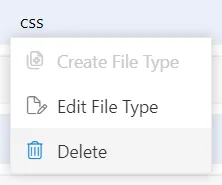
By right-clicking any existing file type and selecting Delete from the context menu as follows:
Step-by-Step Guide:
-
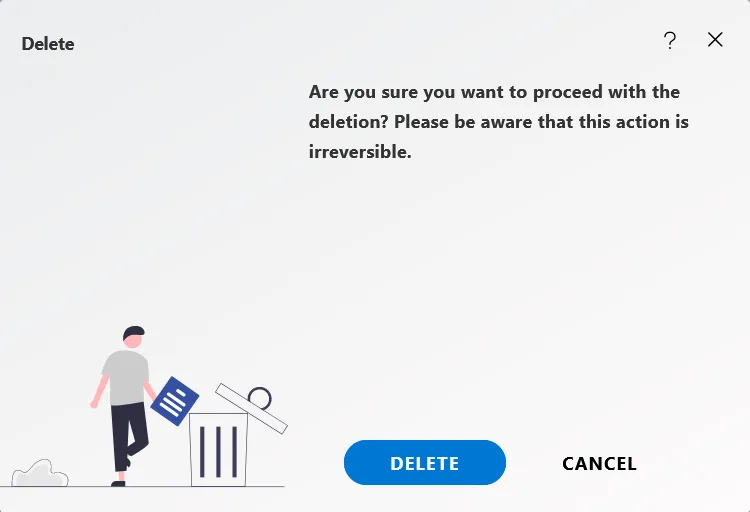
Using any of the methods mentioned above, click on ‘Delete’, which will open the following dialog box.
-
In case of any further help, the user can click on the
 icon to access the AIV help documents.
 -
If the user is not satisfied and wants to cancel the delete request, he can do this by clicking on the cancel button next to submit or by clicking on
 button next to the
icon.
button next to the
icon. -
Finally, click on
button to delete the file type. -
In this manner, you can delete a file type in the AIV application.