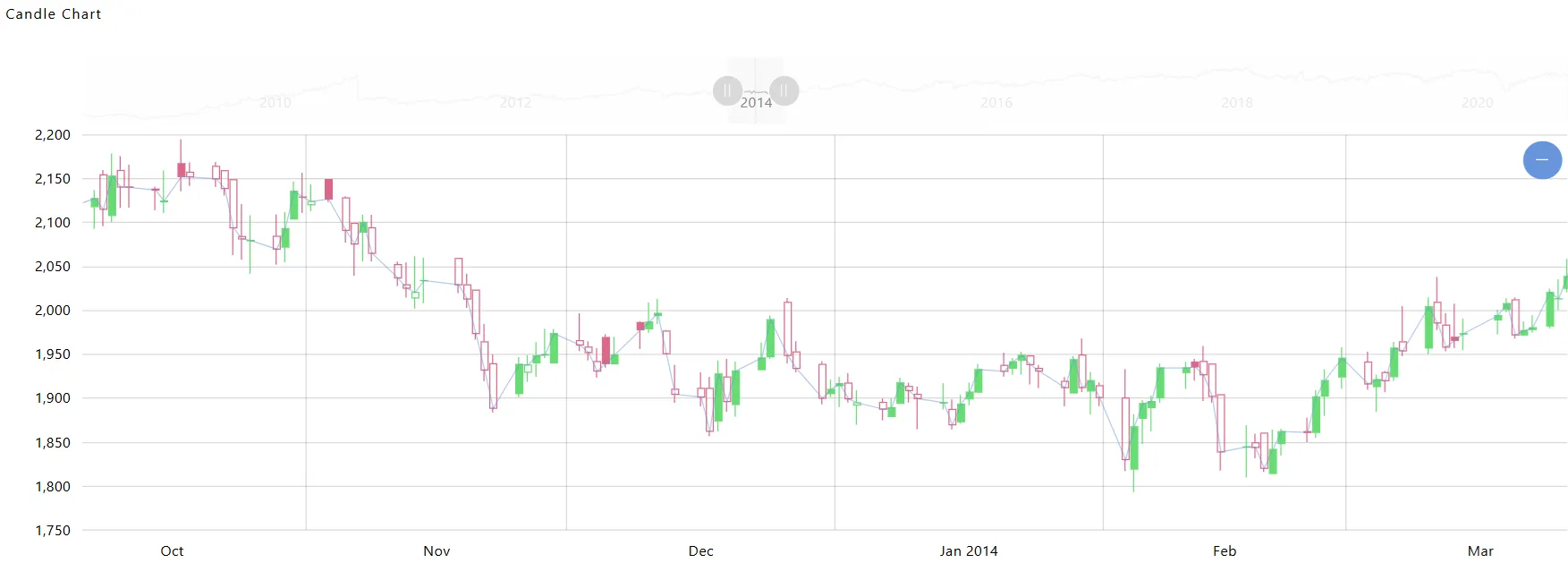
Create Candle Stick Chart
Create Candle Stick Chart: This video explains how to create a Candlestick Chart in AIV.
Steps to Create the Candle Stick Chart:
-
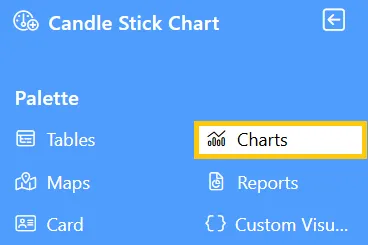
Click on the Charts icon from the left vertical menu, as shown below:
-
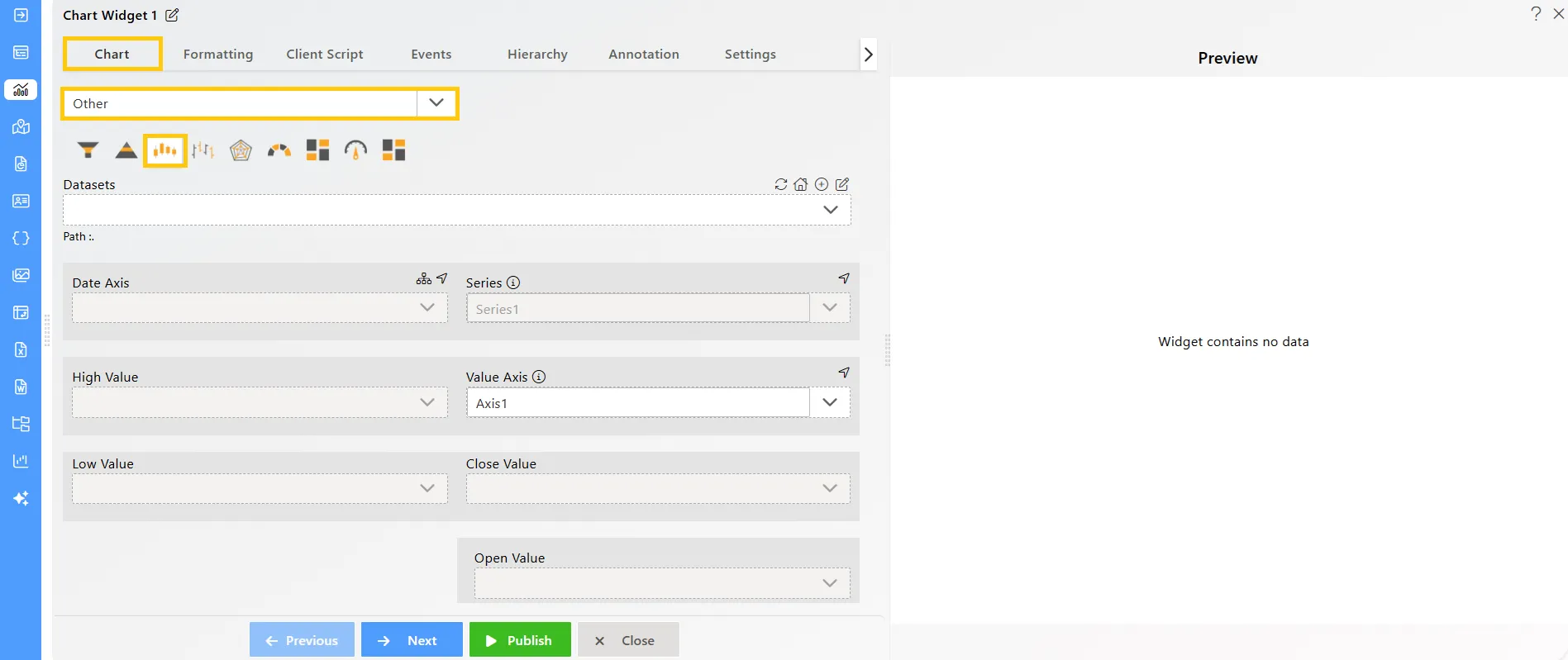
The Chart Edit menu box will appear. Select Other from the available options, then choose Candle Stick Chart, and a widget will be automatically added to the dashboard content area.
-
Click on the
 icon in the Widget Title box to modify the widget name.
 -
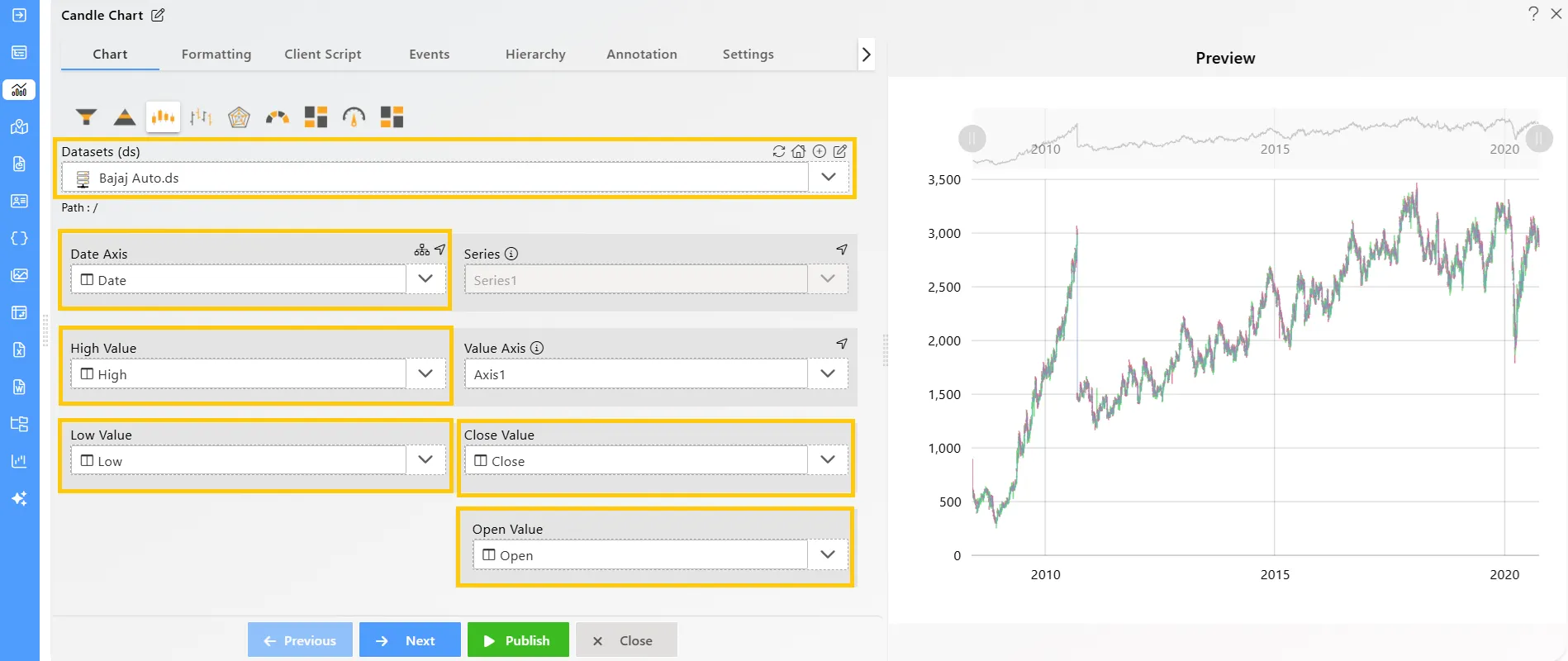
Enter the following details in the chart controls for the candle stick chart:
-
Datasets (ds): Bajaj Auto.ds
-
Date Axis: Date
-
High Value: High
-
Low Value: Low
-
Close Value: Close
-
Open Value: Open
-
Click on the Publish button, then the Preview icon, and finally click on the SAVE AND EXIT button to view the Candle Stick Chart as shown below: