Introduction to Department
The Department section in AIV enables organizations to create and manage multiple departments within a single application instance. This feature supports multi-tenancy by allowing each department to have its own isolated environment with dedicated users, data, and access controls.
Departments provide a powerful way to segment your organization’s data and users, ensuring that each department operates independently while sharing the same AIV infrastructure.
Key Features
Department Management
- Create new departments with unique codes and admin users
- Modify existing department configurations
- Delete departments when no longer needed
- Maintain separate data repositories for each department
Department-Based Login
Users can log in using department-specific credentials instead of the standard user login:
Login Format: Department Code / Username
Example: E001/EMP001
This allows admin users to access all information and functionality specific to their department.
Access Control
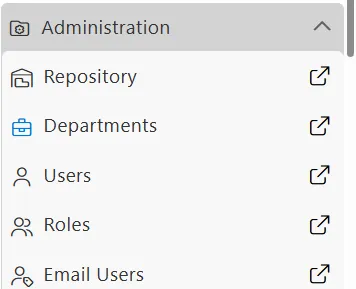
The Department section is located under the Administration tab in the main menu. Access to this section requires appropriate administrator privileges. If you cannot see the Department option, contact your system administrator to request the necessary permissions.
Video Tutorial
Accessing the Department Section
-
Click on the
 (hamburger menu) icon in the top-left corner.
 -
Navigate to Administration.
-
Click on Departments.
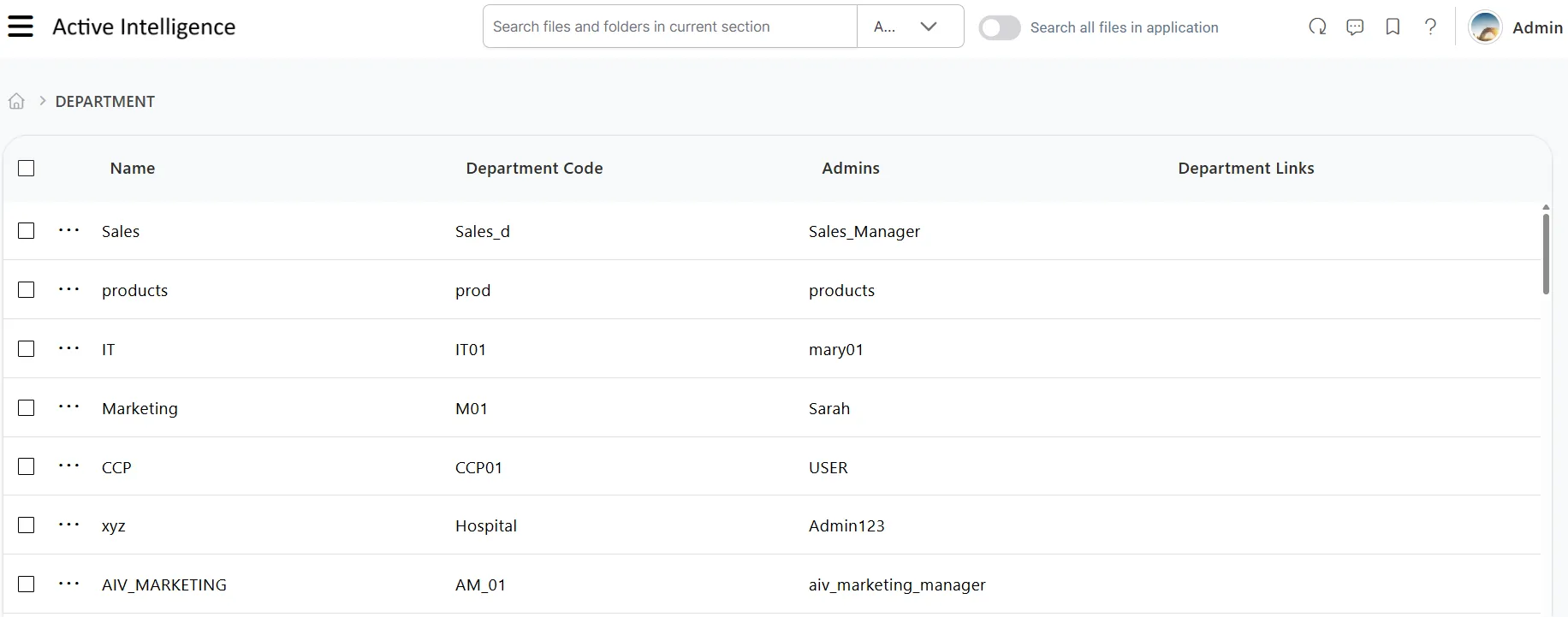
Department List View
When you access the Department section, you’ll see a list view displaying all existing departments:
Understanding the Columns
The department list displays the following information:
-
Department Name
The name of the department.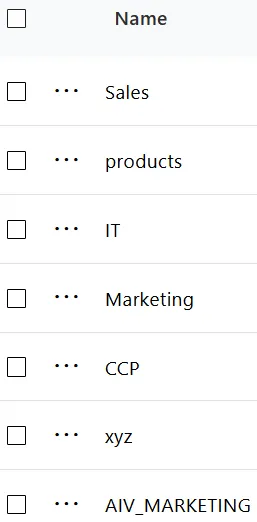
-
Department Code
The unique identifier used for department-based login.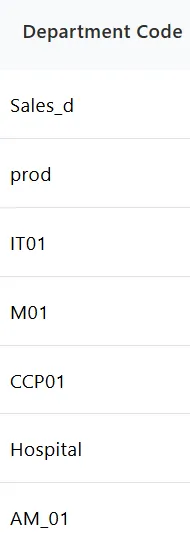
-
Admin Users
The usernames of admin users who can log in with department credentials.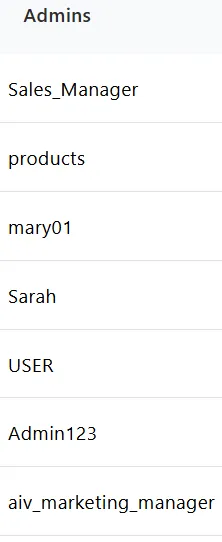
-
Department Links
Additional links or references (empty by default).
Available Actions
The Department section provides the following functionality:
1. Create Department
Click the  button to create a new department.
This allows you to:
- Define a department name and unique code
- Assign an admin user
- Set up department-specific configurations
For detailed instructions, see the Create Department guide.
2. Delete Department
Click the  button to remove an existing department.
Deleting a department permanently removes all associated data, users, and configurations. This action cannot be undone.
For detailed instructions, see the Delete Department guide.
Use Cases
Multi-Tenant Organizations
Organizations with multiple business units, branches, or client groups can use departments to maintain data isolation while sharing infrastructure.
Data Privacy and Compliance
Departments ensure that sensitive data remains accessible only to authorized users within the same organizational unit.
Simplified Administration
Department admins can manage their own users and data without affecting other departments or requiring global admin access.
Related Documentation
To learn more about department features and workflows, refer to the following guides: