Miscellaneous Properties
Miscellaneous Properties setting contains some out of the box functionality in AIV. Click on widget setting icon from edit mode and you will see property as Miscellaneous Properties as below screenshot,
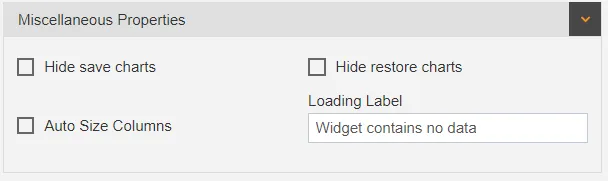
Miscellaneous Properties has following options :
Loading Label
This loading label function contain a text box in which user can add their custom message when widget contains no data.
There are multiple reasons when this message will be displayed as below image,
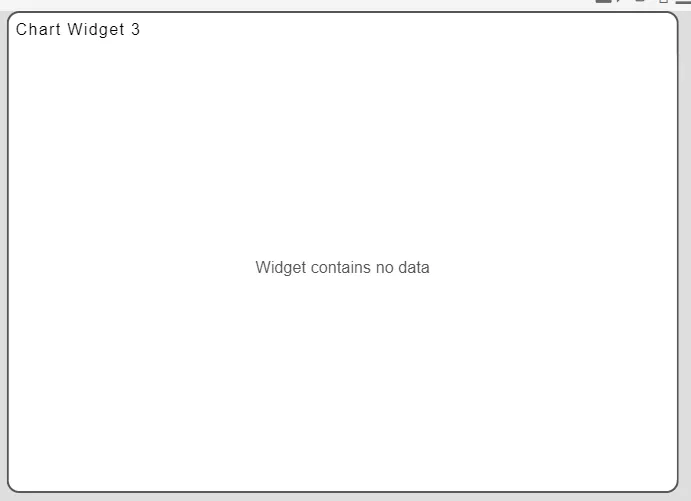
some of reasons are listed below.
-
if widget contains no data for specified filter condition.
-
No data available in database.
-
Dataset query issue or network issue.
-
Datasource connection issue.
-Whatever message user write here will be displayed when there is no data in widget.
Auto size Columns
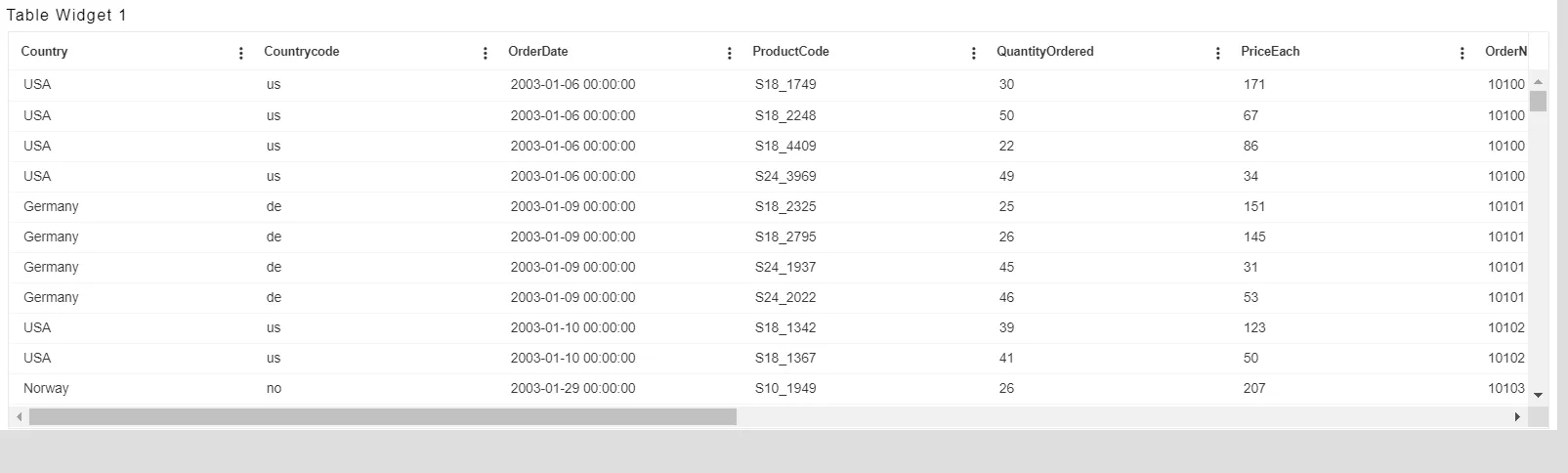
This function is used to auto size column width of table widget. User can adjust width of all columns as per the content available in column with this function.
-Refer below image which is without auto sizing settings applied.
-Now mark auto size columns checkbox from Miscellaneous properties, as shown in figure below:
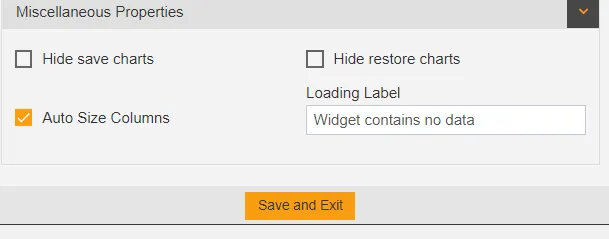
Save this changes and go to preview mode. Refer below screenshot,
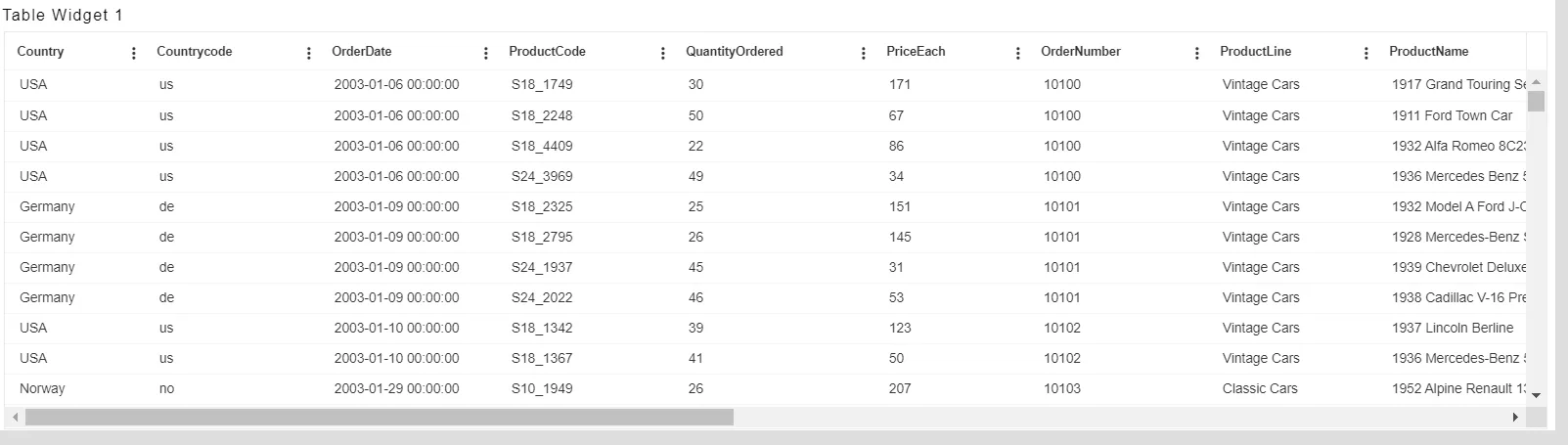
-In above screenshot, you can see all the columns are resized as per the content available in column.
Hide save charts
This Function is used to prepare chart out of table widget by selecting data rows. When user select rows and column in table widget and right click, one can see chart options as showsn in below image,
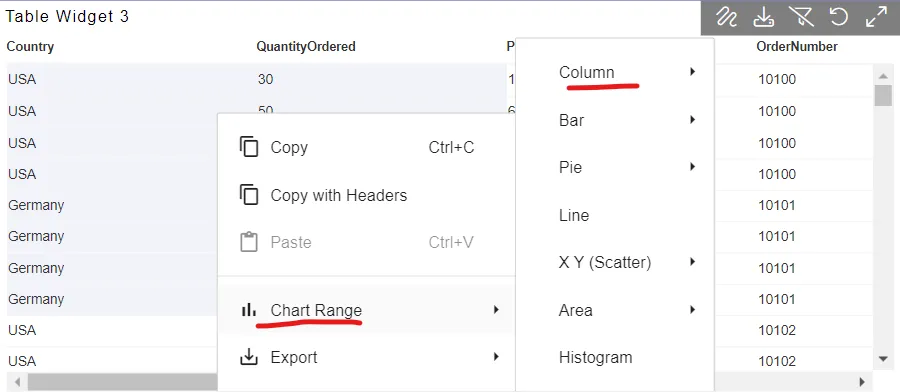
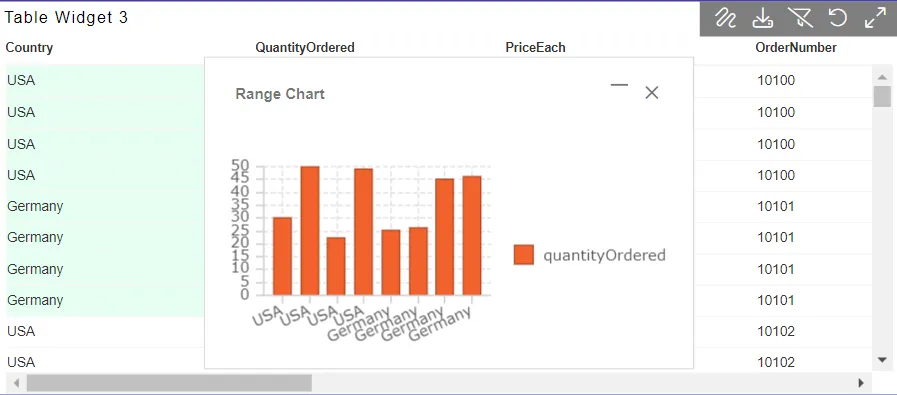
Select any chart and you will see chart created with selected data in table grid. this chart can be saved by using this save chart icon. once it is saved user can restore this saved chart at any time by clickin on restore chart option described in next point.
save chart option visibility can be controlled using this setting. when marked, save chart option will not be visible in preview mode.
Hide restore charts
Saved chart from table grid can be restored using this restore chart option. Restore chart option visibility can be controlled using this setting. when marked, restore chart option will not be visible in preview mode.